Customer service teams handle dozens — sometimes hundreds — of tickets every shift. Each reply demands clarity, empathy, and speed. Yet most support agents still type every word by hand, averaging around 40 words per minute on a good day. This guide covers dictation for customer service tools and how they change that equation. When you speak at 130 words per minute and an AI assistant turns your voice into polished, professional text, your reply queue shrinks and your customers hear back sooner.
Genie 007 is a context-aware AI voice assistant that works inside Zendesk, Intercom, Freshdesk, HubSpot Service Hub, and any other browser-based helpdesk. Instead of typing each response, you speak naturally and Genie 007 drafts the full reply — matched to the right tone, length, and format for the platform you are using. This is not basic dictation. It is voice-to-action: one short command produces a complete, ready-to-send response.
Why Dictation for Customer Service Beats Typing
The average first response time across 1,000 companies is over seven hours, according to Jitbit’s benchmark study. Agents in the top five per cent reply within 16 minutes. The gap between average and excellent often comes down to one thing: how fast an agent can compose a thoughtful, accurate response.
Typing is the bottleneck. A support agent juggling live chat, email tickets, and internal notes spends the majority of their shift with fingers on a keyboard. Over an eight-hour day, that volume of repetitive typing leads to fatigue, slower output, and a higher risk of wrist and hand strain. Voice typing support agents can break through that ceiling without sacrificing quality.
There is also the cognitive load problem. Agents need to read the customer’s issue, recall the right policy or solution, and then translate that knowledge into a well-written reply — all while a queue of waiting tickets grows. When you remove the mechanical step of typing, you free up mental bandwidth to focus on what actually matters: understanding the customer’s problem and solving it quickly.
How Dictation for Customer Service Reduces Response Time
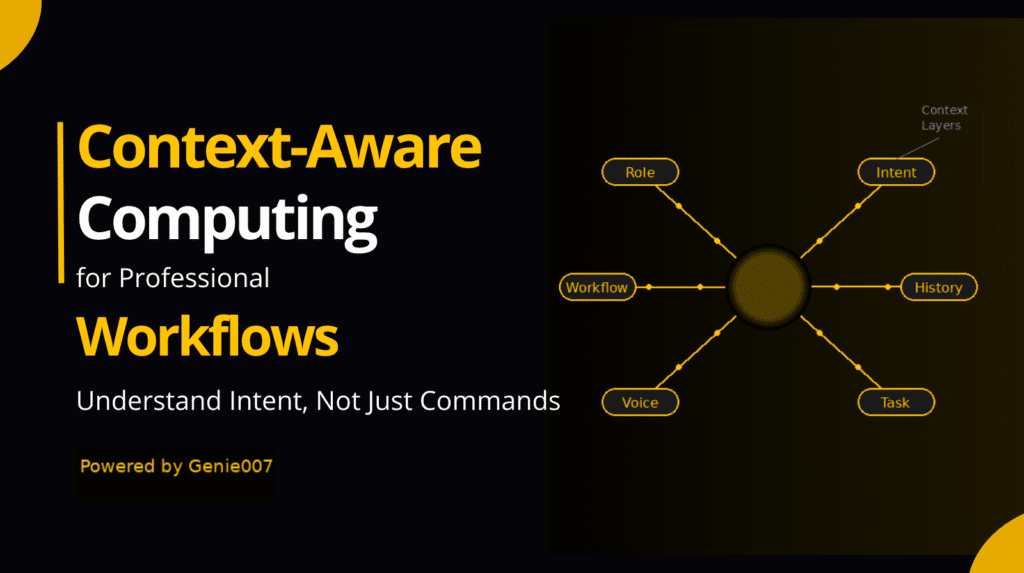
Raw speech is roughly three times faster than typing. But Genie 007 is not raw speech-to-text — it is context-aware voice-to-action. Because it understands the helpdesk platform, the customer message, and the ticket history, one short voice command produces a complete reply. That makes the real-world speed gain closer to 10x for structured tasks like ticket responses. Its Genie Mode understands the context of the page you are on — the helpdesk platform, the customer’s message, the ticket history — and produces a response that fits.
Say you are in Zendesk and a customer asks about a refund. Instead of typing a multi-paragraph reply, you say: “Reply professionally, confirm we are processing the refund within five business days, and ask if there is anything else.” Genie 007 writes the full reply in the correct Zendesk reply field, formatted and ready to send. One voice command replaces two to three minutes of typing.
Dictation for customer service is the difference between voice-to-text and voice-to-action. Traditional dictation gives you raw words that still need editing. Genie 007 gives you a finished response. For customer service productivity, that distinction means agents can handle more tickets per hour without rushing or sending sloppy replies.
Best Dictation for Customer Service Workflows
Workflow 1: Live Chat Responses
Live chat demands near-instant replies. Customers expect an answer within 48 seconds on average. Typing under that kind of pressure leads to typos, incomplete answers, and frustrated customers. With Genie 007, you click the chat reply field, activate voice input, and say something like: “Apologise for the delay, explain the order shipped yesterday, and share the tracking link.” The reply appears instantly, polished and professional.
Because Genie 007 supports 140+ languages with 99.5% accuracy, multilingual support teams can dictate in their native language and have the response appear in the customer’s language. No copy-pasting into a translation tool. No switching tabs. Just speak and send.
Workflow 2: Email Ticket Replies
Email tickets usually need longer, more detailed responses. Typing a 200-word reply takes five minutes at average speed. Dictating it takes under two. You can dictate support tickets with Genie 007 in Freshdesk, Intercom, HubSpot, or any browser-based email client. Speak your answer naturally, and the AI handles punctuation, grammar, and tone — whether you want the reply to sound formal, friendly, or somewhere in between.
For common issues, you can combine Genie 007 with saved phrases. Say: “Use our standard refund template but personalise it with the customer’s name and order number.” The output is accurate, consistent, and far faster than hunting for a canned response and editing it by hand.
Workflow 3: Internal Notes and Escalations
Support agents spend a surprising amount of time writing internal notes — documenting what happened, what was tried, and what the next agent needs to know. These notes are critical for complex tickets that pass between teams. With voice dictation, you narrate the situation as if briefing a colleague: “Customer reported billing discrepancy on invoice 4821. Verified the charge is correct. Customer wants a detailed breakdown. Escalating to finance team.” Genie 007 captures it cleanly, with proper sentences and punctuation, directly in the internal notes field.
Adopting dictation for customer service workflows like this alone can save 15 to 20 minutes per shift. Multiply that across a team of 50 agents and you reclaim over 16 hours of productive time every single day.
Measuring the Impact of Dictation for Customer Service
The numbers tell a clear story. If an agent types at 40 words per minute and dictates at 130, every 200-word reply that used to take five minutes now takes 90 seconds. Across 60 tickets per shift, that time saving adds up to over two hours. Those two hours translate directly into more tickets resolved, shorter queues, and better customer satisfaction scores.
Teams that adopt voice dictation also report fewer errors in customer-facing messages. When agents speak naturally instead of rushing to type, they produce clearer sentences with fewer typos. Genie 007 adds automatic punctuation and grammar correction on top of that, so the final output reads as if a careful editor reviewed it. For managers tracking quality assurance metrics, this means fewer flagged replies and less time spent on coaching for written communication.
Agent retention is another reason dictation for customer service teams makes financial sense. Repetitive strain injuries and burnout are leading causes of turnover in customer support roles. Giving agents the option to dictate — especially during high-volume periods — reduces physical strain and keeps experienced team members in their seats longer. The cost of replacing a trained support agent is significant, and any tool that improves retention pays for itself quickly.
Setting Up Dictation for Customer Service with Genie 007
Getting started takes less than two minutes. There is no IT department approval process, no complex integrations, and no software to install on a server.
Step 1: Install the Genie 007 Chrome extension from the Chrome Web Store. It is free to start — no credit card required.
Step 2: Open your helpdesk platform in Chrome — Zendesk, Intercom, Freshdesk, or whichever tool your team uses.
Step 3: Click into any text field (reply box, internal note, chat window) and activate Genie 007 with the keyboard shortcut or by clicking the extension icon.
Step 4: Speak your response naturally. Genie 007 detects the platform and context, then produces a reply that matches the format and tone you need.
Step 5: Review the output, make any final tweaks, and send. Most agents find they need fewer edits over time as they learn how to phrase voice commands for the best results.
Genie 007 also works as a Windows app and Mac app for teams that use desktop helpdesk clients. The experience is the same: click a text field, speak, and get a ready-to-send response.
Privacy and Data Security for Support Teams
Customer service teams handle sensitive data — account numbers, billing details, personal information. Any tool that processes voice input needs to meet strict security standards. Genie 007 processes audio locally on the agent’s device. No voice recordings are stored. No audio is sent to external servers. The tool is GDPR compliant and HIPAA ready, which matters for healthcare and financial services support teams.
For a detailed breakdown of how Genie 007 handles data, visit the security and privacy page. If your organisation has specific compliance requirements, the local processing model means there is no cloud-based audio data to audit or worry about.
This is a meaningful advantage over dictation tools that route audio through cloud servers. When your agents are dictating replies that contain customer account details, you want that audio processed and discarded on the device — not sitting on a third-party server.
Frequently Asked Questions About Dictation for Customer Service
Does voice dictation work with Zendesk and other helpdesk platforms?
Yes. Genie 007 works inside any browser-based helpdesk including Zendesk, Intercom, Freshdesk, HubSpot Service Hub, Help Scout, and LiveAgent. It activates in any text field — reply boxes, internal notes, chat windows, and even CSAT survey fields. There is nothing to configure per platform; the extension detects the context automatically.
Can support agents use voice dictation in a noisy call centre?
Modern noise-cancelling headsets filter out most background sound. Genie 007’s speech recognition engine handles ambient noise well, though a quiet environment or a directional microphone gives the best accuracy. Many teams use headsets they already own for phone support.
Is voice dictation accurate enough for customer-facing replies?
Genie 007 achieves 99.5% accuracy across 140+ languages. For customer service, the AI also applies correct grammar, punctuation, and formatting automatically. Most agents review the output before sending, but the error rate is low enough that edits are minor — a name spelling or a specific order number that needs manual entry.
How does voice typing compare to canned responses and macros?
Canned responses are fast but generic. Customers notice when they receive a template reply that does not address their specific issue. Voice dictation lets agents produce personalised responses at template speed. You get the efficiency of macros with the quality of a hand-crafted reply. The two approaches also work well together — dictate a personalised opening, insert a macro for the technical steps, then dictate a closing.
What about agents who share desks or work in open-plan offices?
Genie 007 works well with whispered speech and low-volume dictation. Agents do not need to speak loudly. A close-proximity headset microphone picks up quiet speech clearly while filtering out voices from neighbouring desks.
Ready to help your support team reply faster without typing? Install Genie 007 Free →
Explore more ways Genie 007 helps professionals work faster on the productivity solutions hub, or see how it works across all supported apps and platforms.
Written by Bill Kiani, founder of Genie 007.