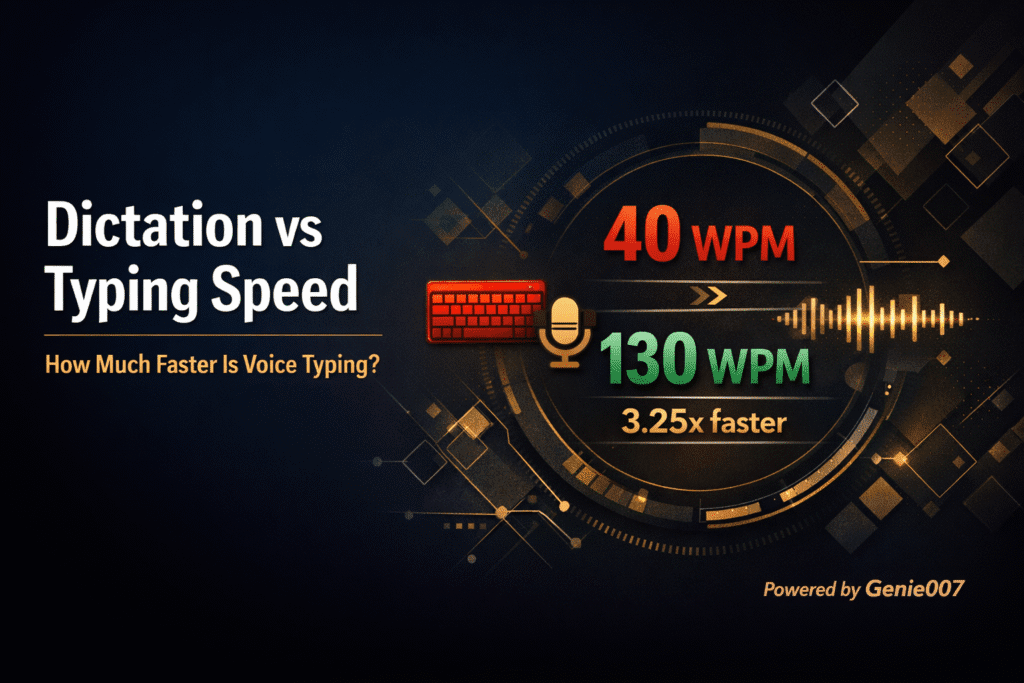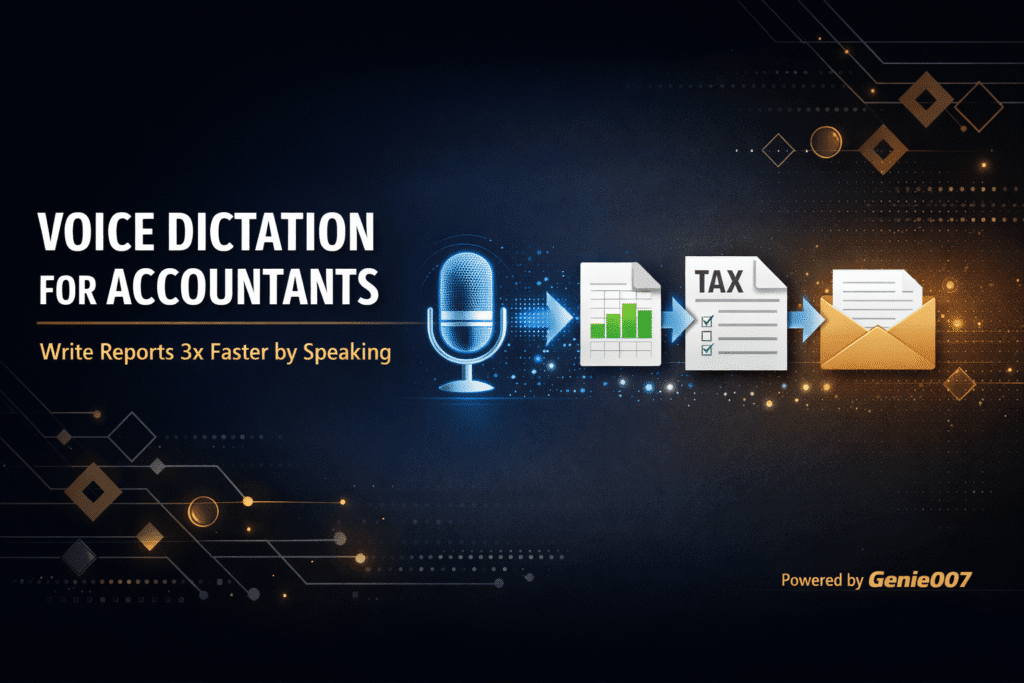
Voice dictation for accountants is changing the way finance professionals handle their heaviest typing days. If you spend hours writing client emails, drafting reports, or documenting audit procedures, you already know how much time disappears into your keyboard. The average accountant types between 40 and 70 words per minute, but speaks at 130 to 150. That gap represents hundreds of hours per year — hours you could spend on billable work, client calls, or simply leaving the office before 9 PM during tax season.
Dictation for accounting tasks is not a new idea, but the technology has finally caught up with the demands of financial professionals. Modern AI-powered voice tools like Genie 007 understand context, punctuate automatically, and work inside the apps accountants already use — from email clients to spreadsheet tools to practice management platforms. This guide covers why voice dictation matters for your practice, how to set it up, and the specific workflows that save the most time.
Thousands of professionals across the UK already use Genie 007 to cut their typing time in half — and accountants are among the fastest-growing group of users.
Why Typing Slows Accountants Down More Than Most Professionals
Accounting is one of the most text-heavy professions that people rarely think of as “writing jobs.” Yet a typical day involves composing client advisory emails, documenting workpapers, writing memo summaries for management, updating billing narratives, and responding to dozens of messages across email and chat. According to research from McKinsey, knowledge workers spend roughly 28% of their workweek on email alone. For accountants during busy season, that figure climbs even higher.
The problem is compounded by the nature of financial writing. You are not typing casual messages. Every client letter needs precise language. Every audit memo needs consistent terminology. Tax advisory emails require careful phrasing to avoid misinterpretation. This means you type slowly and deliberately, often stopping to re-read sentences, correct phrasing, and double-check figures you are referencing. What should be a 10-minute email becomes 25 minutes of careful keyboard work.
Repetitive typing also takes a physical toll. Accountants who spend 8 to 12 hours at a desk during tax season frequently report wrist strain, forearm tightness, and general fatigue from sustained keyboard use. These are not minor annoyances — they reduce your speed and focus as the day progresses, creating a compounding productivity loss. Voice productivity tools for professionals exist precisely because the keyboard has become a bottleneck for people who think faster than they can type.
How Voice Dictation Reduces the Problem for Accountants
Speech to text bookkeeping and report writing flips the productivity equation. Instead of translating your thoughts through your fingers at 40 to 70 words per minute, you speak them directly at 130 to 150 words per minute. Even after accounting for corrections and pauses, most professionals see a 2x to 3x speed improvement on text-heavy tasks.
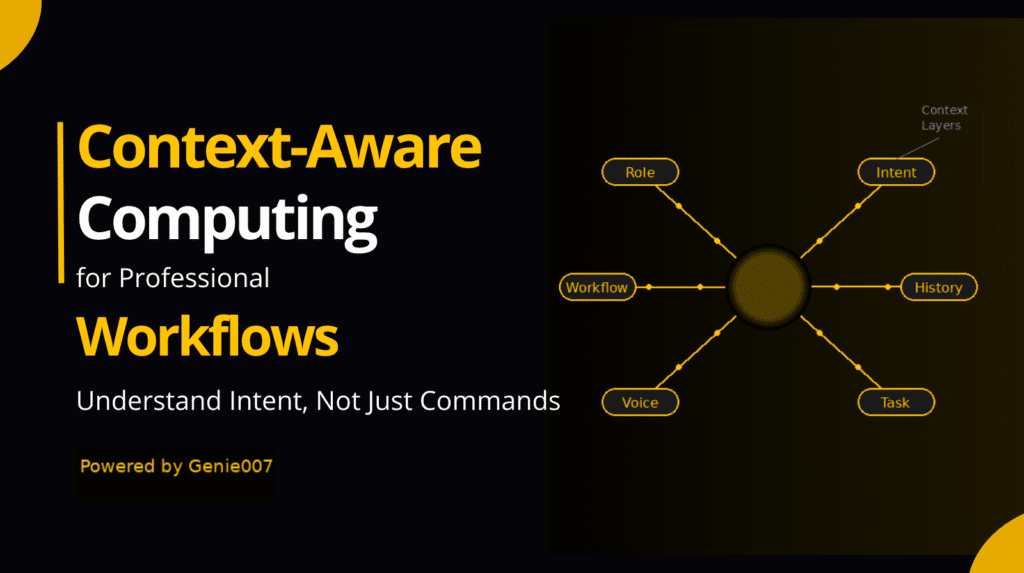
But raw speed is only part of the advantage. Modern voice dictation tools powered by AI do not just transcribe your words — they understand what you mean. Genie 007, for example, uses context-aware AI that recognises whether you are writing an email, a document, or a comment. When you say “reply professionally to this client about their Q3 tax position,” it produces a complete, appropriately toned response rather than a literal transcription of your spoken words. This is voice-to-action, not just voice-to-text.
For accountants specifically, this means you can dictate a client advisory email in under two minutes that would take eight minutes to type. You can speak your audit memo observations while reviewing documents, rather than switching between reading and typing. You can update billing narratives by voice between calls, capturing the work while it is fresh in your mind. The result is not just faster output — it is better output, because you capture your thoughts while they are clear rather than after the mental context has faded.
Ready to try it? Install Genie 007 free from the Chrome Web Store — setup takes 30 seconds, no account needed.
Voice Dictation for Accountants: Best Workflows
Not every accounting task benefits equally from dictation. The best accountant productivity tools in 2026 focus on the tasks you repeat most often — and for most practices, that means emails, documentation, and billing. Here are three workflows where voice typing delivers the biggest time savings, based on the daily patterns of finance professionals.
Client Email Responses
This is where most accountants will feel the impact first. Open the email you need to reply to, activate Genie 007, and say something like: “Reply to this client confirming we received their documents and will complete the return by Friday. Ask if they have the K-1 from their partnership investment.” The AI reads the context of the email thread and generates a professional, complete response. You review it, adjust if needed, and send. Total time: about 90 seconds instead of 5 to 8 minutes of manual typing.
Workpaper Memos and Audit Documentation
Documentation is the most tedious part of many accounting engagements. With voice dictation, you can speak your observations as you review source documents. For example, while examining a bank reconciliation, dictate: “Reconciling items include three outstanding cheques totalling twelve thousand four hundred pounds, all dated within 30 days. No unusual reconciling items noted. Agrees to general ledger balance.” The tool transcribes this with correct punctuation and formatting, saving you the constant switching between reading documents and typing notes.
Billing Narratives and Time Entries
Accountant productivity tools in 2026 need to address one of the profession’s biggest revenue leaks: unbilled time caused by vague or missing time entries. With voice dictation, you can record detailed billing narratives immediately after completing work. Between calls, simply speak: “Forty-five minutes reviewing client’s draft partnership agreement for tax implications, identified two issues with profit allocation that require follow-up with solicitor.” Precise narratives lead to fewer write-downs and better client acceptance of invoices.
Setting Up Voice Dictation for Accountants With Genie 007
Getting started takes about 30 seconds. Here is the setup process and a few tips specific to accounting environments.
Step 1: Install the Chrome extension. Visit the Genie 007 Chrome Web Store page and click “Add to Chrome.” It works immediately — no account creation required to start with the free tier.
Step 2: Allow microphone access. When prompted by your browser, click “Allow” for microphone permissions. If you are in an open-plan office, consider using a directional headset microphone rather than your laptop’s built-in mic. This dramatically improves accuracy in noisier environments.
Step 3: Open any app where you type. Navigate to Gmail, your practice management software, a Google Doc, or any web-based tool. Click into a text field, then activate Genie 007. The extension detects which app you are in and adjusts its behaviour accordingly.
Step 4: Choose your mode. For simple transcription of what you say, use Voice Typing mode. For intelligent responses where Genie 007 reads context and generates complete text from a short instruction, use Genie Mode. Most accountants find they use Genie Mode for emails and Voice Typing mode for longer documents like memos and reports.
Genie 007 supports 140+ languages with 99.5% accuracy and works across Windows, Mac, and Chrome. If you use desktop accounting software alongside web apps, the Windows and Mac apps extend voice dictation beyond the browser to any application on your computer. Multi-language support also helps if your practice handles international clients — speak in one language and receive output in another, which is valuable for firms with multilingual teams or overseas client bases.
Privacy and Security When Using Voice Dictation for Accountants
Handling sensitive financial information means security is not optional. Genie 007 processes audio locally on your device. No voice recordings are stored on external servers. No audio data is transmitted to third parties. The tool is GDPR compliant and HIPAA ready, which matters if your practice handles healthcare-adjacent clients.
This is a critical difference from older dictation tools that route audio through cloud servers for processing. With local processing, your client’s financial details stay on your machine. For firms subject to client confidentiality requirements — which is every accounting firm — this architecture meets the standard your professional obligations demand. Read more about the security and privacy measures Genie 007 uses to protect your data.
Frequently Asked Questions
Is voice dictation accurate enough for financial documents?
Yes. Genie 007 achieves 99.5% accuracy across 140+ languages, including recognition of numbers, currency terms, and financial terminology. You should still review dictated text before sending, just as you would review anything you type. The accuracy for standard business English is high enough that corrections are minimal — most users report spending less time editing dictated text than they would typing from scratch.
Can I use voice dictation with accounting software like QuickBooks or Xero?
If the software runs in a web browser, Genie 007’s Chrome extension works in it immediately. For desktop applications, the Windows and Mac apps provide voice dictation in any text field on your computer. This covers cloud-based platforms like Xero, QuickBooks Online, FreeAgent, and Sage, as well as desktop tools accessed through your browser.
How much faster can I write reports using voice dictation?
Most professionals speak at 130 to 150 words per minute compared to typing at 40 to 70 words per minute. In practice, accountants report completing email responses and short memos 2x to 3x faster with dictation. For longer documents like audit reports, the improvement is closer to 2x once you factor in reviewing and formatting. During tax season, this can recover 1 to 2 hours per day.
Is voice dictation secure enough for client financial data?
Genie 007 processes all audio locally — nothing leaves your device. No recordings are stored and no data is sent to external servers. This is fundamentally different from cloud-based dictation services. For accounting firms with client confidentiality obligations, local processing meets the privacy standards your professional body requires.
What is the best dictation software for accountants in 2026?
The best tool depends on your workflow. Genie 007 stands out for accountants because it combines high-accuracy voice typing with context-aware AI that generates complete responses from short voice commands. It works in any web app or desktop application, processes audio locally for security, and requires no training period. The free tier lets you test it with no commitment. For a broader comparison, see the best voice assistant tools for business guide.
Voice dictation for accountants is part of a broader shift toward hands-free productivity for professionals dealing with repetitive typing strain and time pressure. Whether you work in tax, audit, advisory, or bookkeeping, the same principle applies: your voice is faster and more natural than your keyboard. Explore how Genie 007 works across all your favourite apps and integrations to see where it fits your daily workflow.
Ready to stop typing and start speaking? Accountants across the UK are recovering hours every week by switching from keyboard to voice. Install Genie 007 Free →
Written by Bill Kiani, founder of Genie 007.
Voice dictation for accountants is transforming how finance teams work every day. Try Genie 007 and see the difference for yourself.