Table of Contents
Most AI tools give you a sidebar. You open it, paste text in, get text back, then manually copy that text into Gmail, Slack, or Notion yourself. The AI didn’t do the work — it just helped you draft it. The last mile — actually getting the output into the app — is still yours.
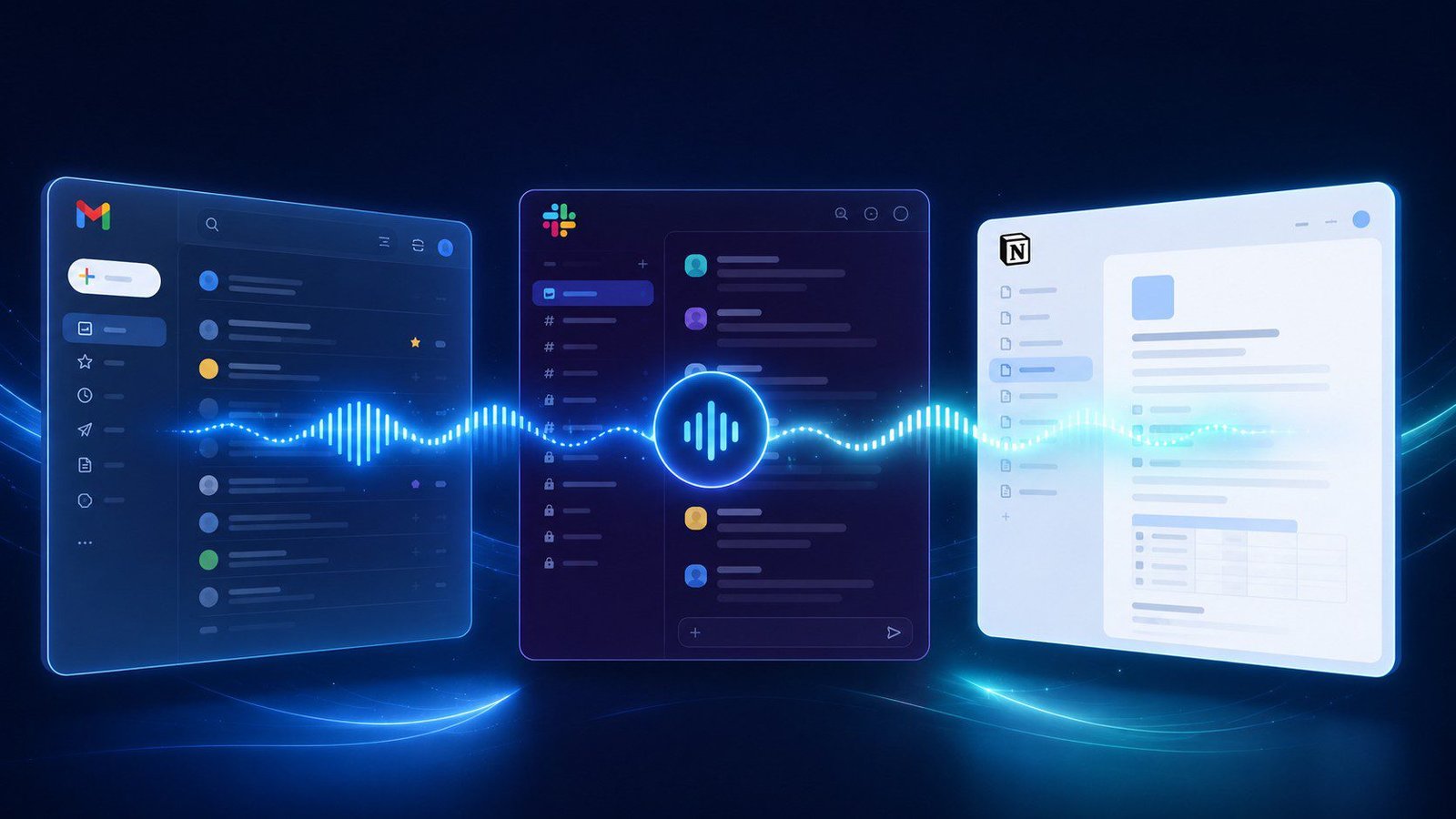
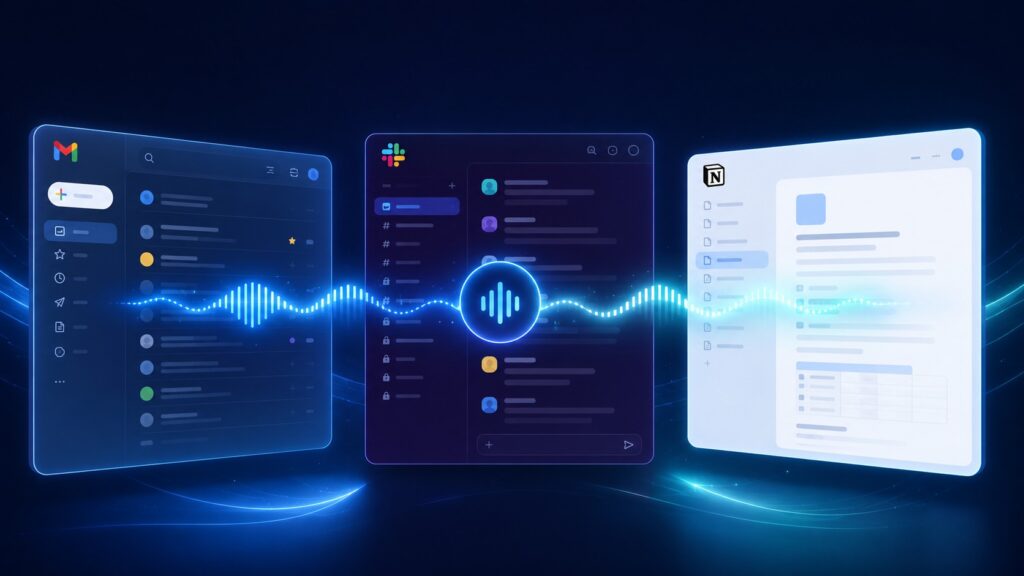
This article is about something different: AI that operates natively inside Gmail, Slack, and Notion. Not next to them. Not a tab you switch to. AI that reads what’s on your screen, understands the context, and executes tasks directly in the app you’re already in — by voice, without you lifting a finger.
AI for Gmail, Slack and Notion: What Actually Works
The sidebar model made sense in 2022 when large language models were new and fragile. In 2026, that model is outdated. You’re reading an email from a client. You open the sidebar, paste the email in, get a draft reply, then have to copy it, open Reply, paste it in the To field, add a subject line, and click Send. You’ve done six steps the AI should have done for you.
According to research published in Harvard Business Review, context-switching between apps costs workers up to 40% of their productive time. Every toggle from Gmail to your AI sidebar and back pays that tax.
What “Native Integration” Actually Means
True in-app AI integration means the AI can read the current state of the app, understand context, execute actions in-app, and do all of this from a voice command — so you never leave your train of thought to type an instruction.
This is what separates Genie 007‘s voice-to-action approach from AI sidebars. It’s not a tool you switch to — it’s a layer that lives inside every tab you’re already working in.
How Genie 007 Works in Gmail
When you’re in Gmail, Genie 007 reads the open email thread — sender, subject, conversation history — and waits for a voice command. Say “reply thanking them and confirming the meeting for Thursday at 2pm” — and it opens the reply window, drafts the message with context already filled in, and presents it for approval before sending.
Common Gmail workflows handled entirely by voice include drafting and sending replies, composing new emails by recipient name, summarising long email chains, flagging and labelling messages, and scheduling send times. See How to Never Type an Email Again for a complete walkthrough.
How Genie 007 Works in Slack
Genie 007 reads the active Slack thread and lets you respond by voice. “Reply to James: I’ll have the numbers to you by end of Thursday — good to loop in Priya?” It drafts, fills the reply box, you approve. You never left the channel.
For longer threads, say “summarise this thread” and get a structured digest of who said what and what decisions were made. Agent Mode goes further: “Find all messages where I was mentioned this week and draft replies to the ones that need a response.”
How Genie 007 Works in Notion
With Genie 007 active on a Notion page, you can dictate new sections with correct formatting, summarise a page into an executive brief appended as a new section, update database properties by voice (“Mark this project as complete and change the owner to Sarah”), ask questions about page content, and create new pages from templates by voice command.
Cross-App Workflows: Where Agent Mode Changes Everything
Single-app voice commands are useful. Multi-app voice workflows are transformative. Genie 007’s Agent Mode handles multi-step instructions spanning multiple apps:
“Read the email from Sarah about the Q3 report, summarise the key points, and add them to the Q3 Meeting Notes page in Notion.” Agent Mode reads the email, extracts the key points, opens Notion, navigates to the right page, and adds a summary section.
“Create a Notion project page for the new client onboarding, pull in the details from the welcome email, and post a Slack message to #projects letting the team know it’s ready.” One voice command. Three app actions. Zero typing.
This is workflow automation that previously required dedicated integration platforms like Zapier or Make — now available on-demand from natural language. See also Replace Your Keyboard With Your Voice for a full picture of what’s possible.
Sidebar AI vs. Native AI: The Same Task Compared
Task: Reply to a client email, then log the decision in Notion
With a sidebar AI: Open Gmail → read email → open sidebar → paste email → type instruction → get draft → copy draft → open reply → paste → check subject → send → open Notion → find page → add entry → type decision → save. ~15 steps, 3–5 minutes.
With Genie 007: Read email, say: “Reply thanking them and confirming we’ll proceed with Option B. Then add a note to the Client X Notion page that we’re going with Option B.” ~1 minute, 1 voice command.
Native AI Features From the Apps Themselves
Gmail’s Gemini integration offers in-compose drafting and summarisation — improving but limited to Gmail, no voice input or cross-app execution. Slack AI (paid plans) offers thread summarisation but doesn’t take action or integrate elsewhere. Notion AI is excellent for in-page writing assistance — expanding bullet points, Q&A over content — but operates within Notion only.
Each is useful within its own context. None offers cross-app action execution. That’s Genie 007’s unique territory.
Privacy and Security
Voice audio is processed locally on your device — raw audio never leaves your machine. Context reading happens locally before intent is sent to the cloud. Genie 007 is GDPR and HIPAA compliant, suitable for healthcare, legal, and financial work environments.
Frequently Asked Questions
Does Genie 007 require API connections to work with Gmail, Slack, and Notion?
No. It works as a Chrome extension that interacts with web apps directly through the browser — no API keys, no OAuth integrations, no configuration required.
Does it send messages automatically or ask for approval first?
By default it drafts the message and presents it to you before sending. You approve by saying “send it” or clicking Send. Fully autonomous sending can be configured for routine tasks.
Is this different from Zapier or Make automations?
Yes — fundamentally. Zapier and Make run pre-configured workflows on triggers. Genie 007 is on-demand and conversational: describe what you want done in natural language, in the moment, and it executes. No pre-configuration, no workflow setup.
Related Reading
- How to Never Type an Email Again — Deep dive on voice-powered email
- Replace Your Keyboard With Your Voice — Complete guide to going keyboard-free
- Best AI Chrome Extensions 2026 — Full comparison of AI browser tools
- Voice Commands That Actually Do Things — What real voice-to-action looks like
- Best AI Productivity Tools 2026 — The broader AI productivity landscape
The Bottom Line
AI sidebars are useful. Native AI — the kind that reads what’s on your screen and acts inside the app you’re already in — is transformative. In Gmail, Slack, and Notion, the difference isn’t marginal. It’s the difference between AI that helps you work and AI that does the work.
👉 Try Genie 007 — AI that works inside Gmail, Slack and Notion, not next to them