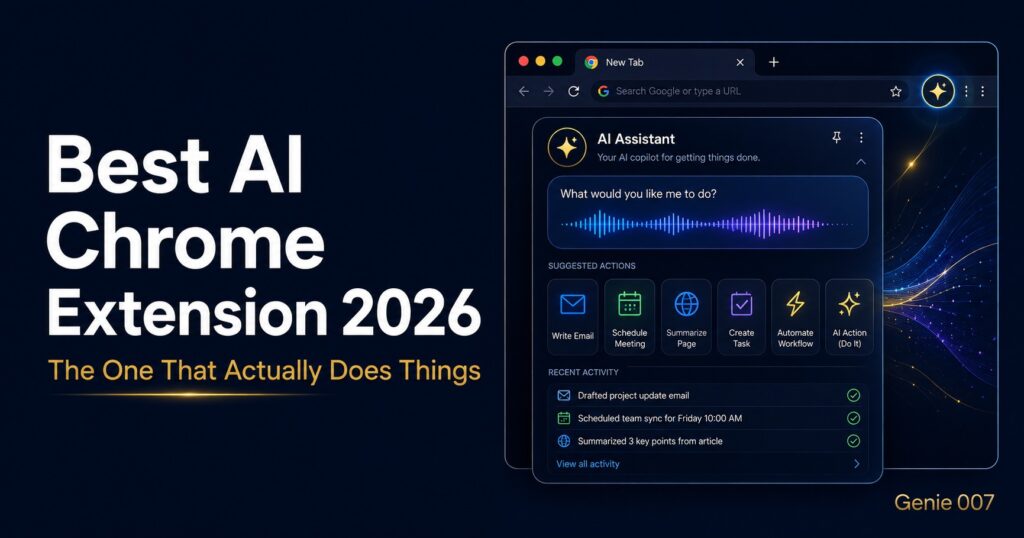
Best AI Chrome Extension 2026: The Only One That Actually Does Stuff For You
You’ve probably tried at least three AI Chrome extensions. Maybe you’re using one right now. But let’s be honest — most of them just open a sidebar and ask you to type things. That’s not AI working for you. That’s AI waiting on you.
The best AI Chrome extension in 2026 isn’t the one with the slickest interface or the biggest marketing budget. It’s the one that actually takes action in your browser — reading what’s on your screen, understanding what you need, and doing it — all from a single voice command.
This list covers the top AI Chrome extensions you should know about. But spoiler: one of them operates on a completely different level. And once you try it, you won’t go back.
What Makes an AI Chrome Extension Actually Good in 2026?
Most AI extensions in 2023 and 2024 were basically ChatGPT wrappers. Useful? Sure. Transformative? Not really. In 2026, the bar has moved. Here’s what separates the best from the rest:
- Context awareness — It knows what tab you’re on, what you’re looking at, and what you likely need next
- Voice-first input — No typing, no copy-pasting. Just say what you want
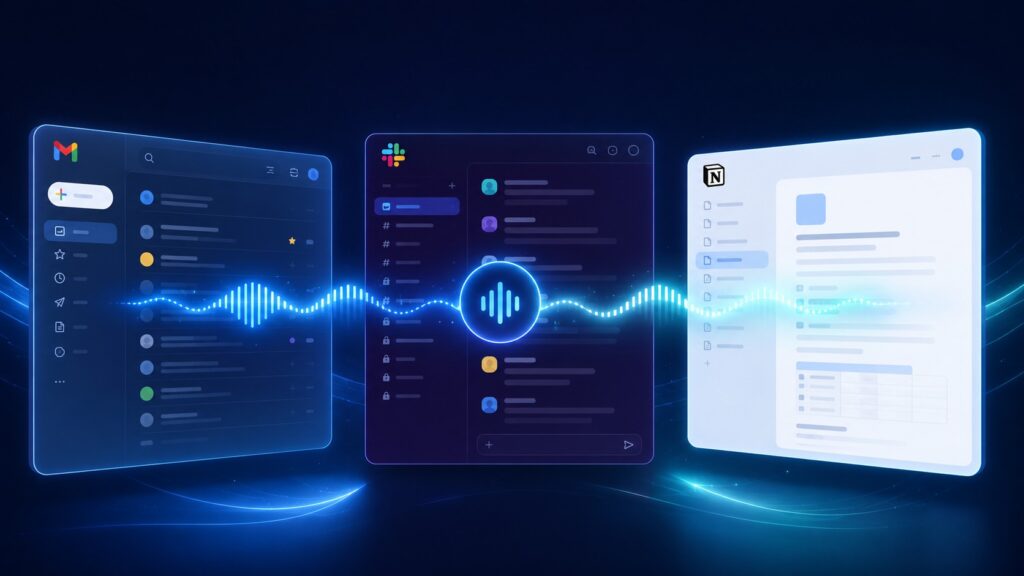
- Cross-app actions — It can work in Gmail, Notion, Slack, LinkedIn, and beyond without switching apps
- Execution, not just answers — It writes the email, sends the reply, fills the form. Not just summarises it
With that framework in mind, let’s look at the best AI Chrome extensions available right now.
1. Genie 007 — The Voice-to-Action Chrome Extension That Changes Everything
Best for: Anyone who wants AI to actually do things — not just suggest them
Genie 007 is in a category of its own. While every other AI extension on this list will generate text, summarise pages, or answer questions, Genie 007 is the only one built around a concept called voice-to-action — meaning you speak a command, and it executes it inside your browser, instantly.
This isn’t voice typing. This is voice thinking. You say “summarise this article and draft a reply to Sarah about it in Gmail” — and Genie 007 does exactly that. It reads the page, understands the context, drafts the email, and puts it in Gmail, ready to send. You didn’t type a word.
The Two Features That Set It Apart
Genie Mode is the core AI engine. It reads your current browser environment — the page content, your cursor position, what app you’re in — and interprets your voice command in context. You don’t need to give long instructions. Just say what you want like you’d say it to a smart colleague, and Genie Mode figures out the rest.
Agent Mode takes it even further. This is Genie 007’s autonomous execution layer. You give it a multi-step goal — “find me the three top-rated project management tools, open their pricing pages, and create a comparison in a new Google Doc” — and Agent Mode works through it step by step without you doing anything.
Real-world tasks people use it for every day:
- Drafting and sending emails by voice while reading an email thread
- Posting on LinkedIn without opening a keyboard
- Filling out forms and submitting applications
- Summarising long documents and Slack threads in seconds
- Booking meetings, searching calendar gaps, and writing invites
- Replying to customer support tickets on autopilot
It works in 140+ languages, processes your audio locally on your device (so nothing sensitive leaves your machine), and is fully GDPR and HIPAA compliant.
2. Perplexity AI — Best for Research
Best for: Deep research without leaving your browser
Perplexity’s Chrome extension lets you highlight any text on a webpage and instantly get AI-generated answers with citations. It’s genuinely excellent for researchers, students, and journalists who need to go deeper on any topic without opening a new tab.
The main limitation? It’s still fundamentally a text-in, text-out tool. It answers questions well, but it won’t write your follow-up email, update your notes, or schedule anything for you.
3. Merlin AI — Best All-Rounder Sidebar
Best for: General-purpose AI help without switching apps
Merlin is one of the most popular AI Chrome extensions, giving you access to GPT-4, Claude, and Gemini models in a sidebar that works across virtually any website. You can summarise YouTube videos, translate pages, rewrite emails, and get answers to questions without leaving your current tab.
4. Grammarly — Best for Writing Quality
Best for: Polishing emails, documents, and messages as you type
Grammarly remains one of the most installed Chrome extensions of all time. Its AI rewrites full sentences for clarity and tone, detects passive-aggressive phrasing, and adapts to your personal writing style over time. The downside: it corrects what you type — it doesn’t do the typing for you.
5. Monica AI — Best for Summarisation
Best for: Summarising articles, PDFs, and YouTube videos quickly
Monica is fast, accurate, and works across a huge range of content types. One click and you get a clean summary of any webpage. It handles PDFs natively in Chrome and has solid translation features. Like most tools here, it’s a passive assistant.
6. Tactiq — Best for Meeting Notes
Best for: Automatically capturing transcripts and action items from Google Meet and Zoom
Tactiq transcribes meetings in real-time, extracts action items, and gives you a clean summary immediately after calls end. AI-generated follow-up emails are a particularly nice touch. It’s specialised, but within its niche, it’s excellent.
The Honest Truth: Most AI Extensions Are Still Fancy Clipboards
Here’s what most AI Chrome extension reviews won’t tell you: the majority of these tools are sophisticated copy-paste machines. They read content, they generate content, and then they hand it back to you — and you do the rest.
You still have to open Gmail. You still have to paste the draft. You still have to click send. You still have to fill in the subject line. You are still the last mile of every workflow.
Genie 007 is the first Chrome extension to seriously attack that last mile. Its combination of voice input, context awareness, and browser-level action execution means you can literally describe what you want done and walk away.
Which AI Chrome Extension Should You Install First?
- If you want AI to take actions for you by voice → Genie 007
- If you want deep research with citations → Perplexity
- If you want a general AI sidebar → Merlin
- If you want your writing polished as you go → Grammarly
- If you want meeting transcripts → Tactiq
Frequently Asked Questions
What is the best free AI Chrome extension in 2026?
Genie 007 offers a free tier with core voice-to-action features. For research, Perplexity’s free tier is also excellent. Both offer real value without a subscription.
Can AI Chrome extensions take actions in my browser?
Most cannot — they generate text and return it to you. Genie 007 is the standout exception, using Agent Mode to navigate pages, fill forms, click buttons, and execute multi-step tasks across multiple browser tabs entirely on your behalf.
Are AI Chrome extensions safe to use?
Genie 007 processes audio locally on your device — your voice never leaves your computer before being acted on. It’s GDPR and HIPAA compliant. Always check the privacy policy of any extension before giving it access to your browser activity.
What’s the difference between an AI assistant and a voice-to-action extension?
An AI assistant answers questions and generates text. A voice-to-action extension like Genie 007 reads what’s on your screen, understands your current context, and executes tasks directly in your browser. One gives you an answer. The other does the work.
The Bottom Line
The AI Chrome extension market in 2026 is crowded — but most of what’s out there is still just a text generator with a fancy sidebar. The tools that actually move the needle are the ones that take real action in your browser, not just hand you back a draft and wish you good luck.
Genie 007 is the only extension on this list that operates on that higher level. Voice command in. Real action out. No typing, no copy-pasting, no manually doing the thing the AI just described.
👉 Try Genie 007 for free — the AI Chrome extension that does the work
Related Guides: Get More From AI in Your Browser
Your Chrome extension is just one piece of the puzzle. These guides show you how to extend AI across your whole workflow:
- 🏆 Best AI Productivity Tools 2026 — The full landscape of AI tools worth having this year.
- 📧 How to Never Type an Email Again — Use voice AI to handle all your email without a keyboard.
- 🗣️ Voice Commands That Actually Do Things — The voice commands that go beyond setting timers and actually get work done.
Resources: AI Chrome Extensions & Browser Productivity
- Chrome Web Store: Top AI Extensions — Browse the official Chrome Web Store rankings for AI tools.
- TechCrunch: AI Tools Coverage — Latest news and reviews of emerging AI productivity software.
- PCMag: Best AI Tools — Independent reviews of AI software for consumers and professionals.
Table of Contents
Best AI Chrome Extension 2026: What You Actually Need
- Replace Your Keyboard With Your Voice — Complete guide to going keyboard-free in 2026
- AI That Works in Gmail, Slack and Notion — Native AI that operates inside your apps
- How to Use AI at Work Without Being a Prompt Engineer — Getting results without prompt expertise
- Talk to Your Computer and Actually Get Things Done — Why this works in 2026 when it didn’t before