The average professional spends 11 hours per week on email. Not reading email — writing it. Typing out the same kinds of replies, over and over, to the same kinds of messages, over and over. That is more than a quarter of your working week gone on something a machine could do for you.
Table of Contents
Here is the thing: writing emails faster with AI is the wrong goal. Faster is a 20% improvement. What you actually want is to stop writing emails at all — and in 2026, that is genuinely possible. Not with a bot that sends robotic auto-replies, but with AI that reads the email thread in front of you, understands the context, understands your tone, and writes a complete professional reply in the time it takes you to say one sentence out loud.
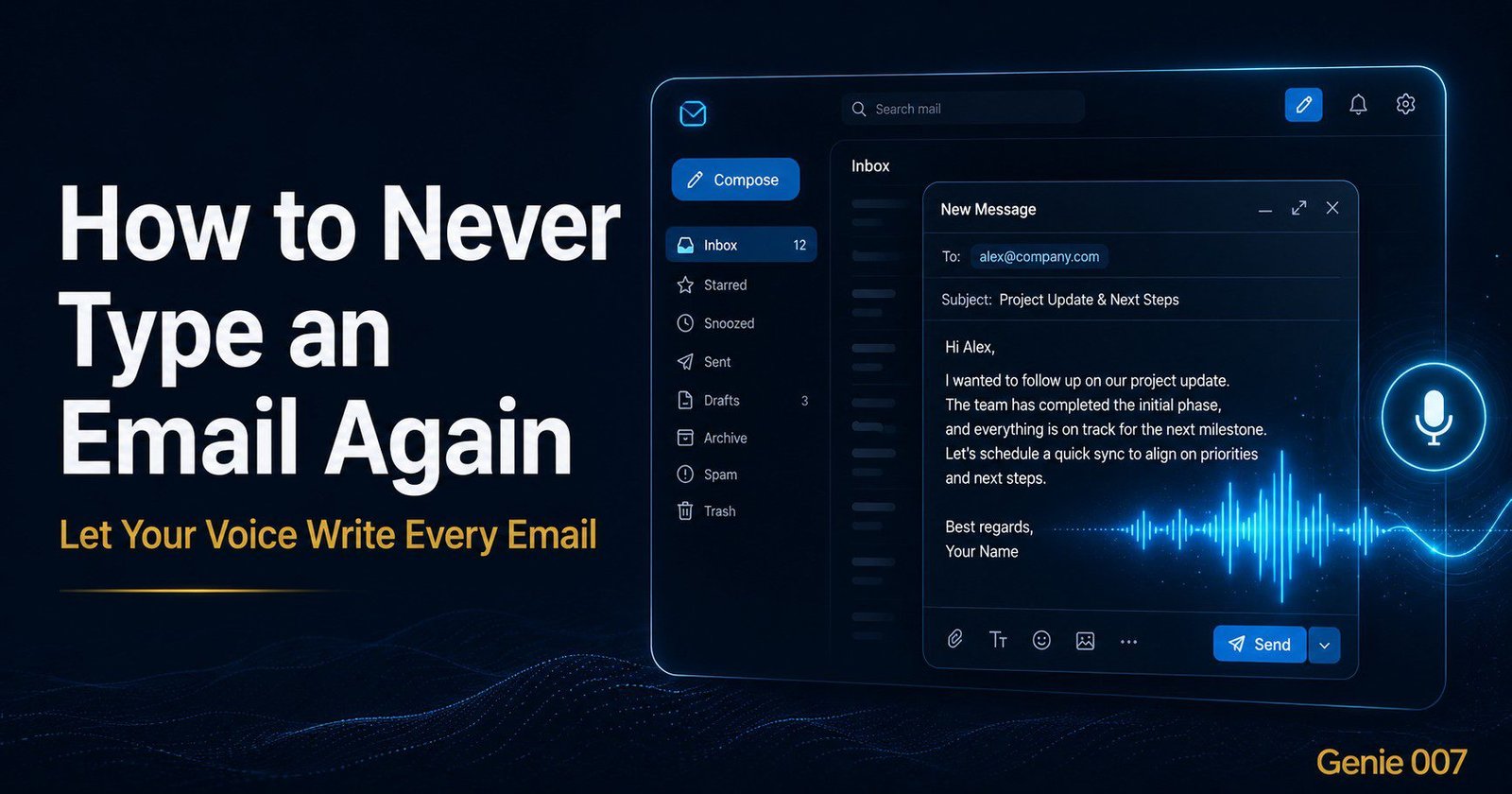
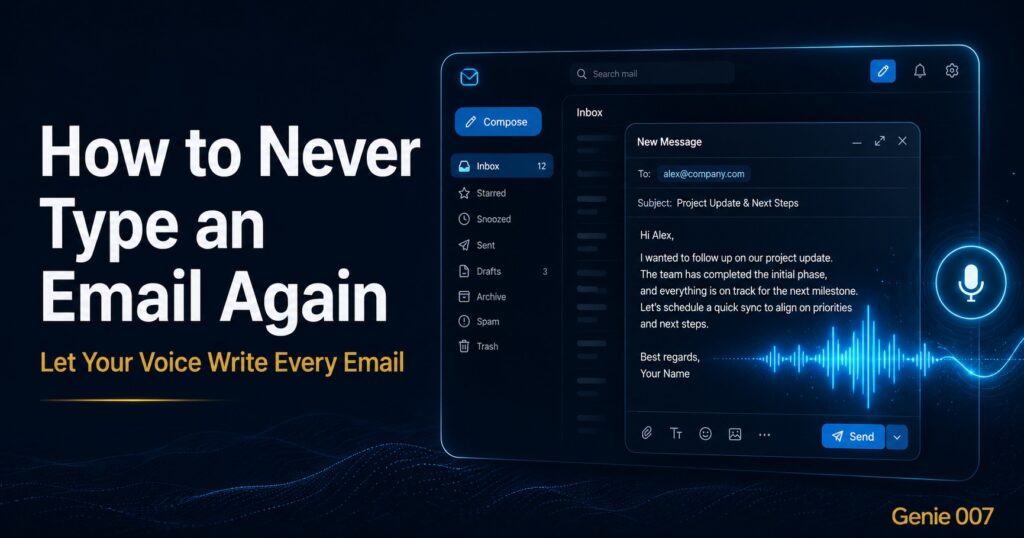
That is exactly what Genie 007’s Genie Mode does. You open Gmail or Outlook, you see an email that needs a reply, you press a button and say what you want — “Reply professionally, confirm the meeting for Thursday, ask if they need anything before then” — and Genie 007 reads the full thread, writes the complete reply in your voice, and puts it in the draft box. You read it for two seconds, hit send. Done. Total time: eight seconds.
How to Never Type an Email Again with Voice Dictation
The typing itself is not the slow part. The slow part is the micro-decisions: what tone to use, how formal to be, what to include, how to phrase the opening, whether to use bullet points, how to end it. For every email you write, your brain makes dozens of these tiny calls — and they are exhausting in aggregate, even when each one is trivial.
Most AI email tools solve the wrong problem. They give you a text box where you paste the email, type a prompt, copy the AI’s output, paste it back into Gmail. That is four extra steps for maybe a 30% time saving. It is marginally better. What Genie 007 does differently is work inside Gmail — it reads the thread that is already open on your screen and responds to a voice command. There is no copy-pasting. There is no switching tabs. You say what you want and it appears. The workflow stays intact; the email just gets written.
How to Write Emails Faster With AI: The Genie 007 Method
Here is the exact workflow. Install the Genie 007 Chrome extension — it takes 60 seconds and requires no credit card. Open Gmail in Chrome. Open any email thread that needs a reply. Click the Genie 007 button (it appears in your toolbar) and speak your instruction. Then read the reply it drafts, adjust if needed, and send.
The instructions you give can be as simple or as specific as you like. Here are real examples:
“Reply professionally, tell them we accept the proposal and will send the contract by end of week.”
“Decline politely, say we do not have capacity right now but would be happy to revisit in Q3.”
“Follow up on the outstanding invoice, keep it friendly but firm, reference the 30-day term.”
“Thank them, acknowledge the feedback, say the team will look into it and come back within two days.”
In every case, Genie 007 reads the full email thread — who sent what, what was already said, what the context is — and writes a reply that fits. It does not write a generic template. It writes a reply to that specific email in response to your specific instruction.
This Works in Outlook Too — and Anywhere Else With a Text Field
Genie 007 is not a Gmail plugin. It is a Chrome extension that works on any website with a text field. That means it works in Outlook Web, in HubSpot, in Intercom, in Zendesk, in Freshdesk — wherever you respond to messages. You are in Outlook, you see an email, you activate Genie Mode, you speak your instruction. Same result, same speed, whether the platform is Google or Microsoft or anything else.
It also works in languages. If you receive an email in French and want to reply in English — or vice versa — you just say that in your instruction. Genie 007 handles 140+ languages and can receive and respond in different ones automatically. For teams with international clients, this alone is worth the install.
What About Tone? Will It Sound Like Me?
This is the question everyone asks, and it is the right question. Generic AI email tools sound generic. They produce corporate filler language — “Hope this email finds you well”, “Please do not hesitate to reach out” — that makes recipients wonder if they are being handled by a bot.
Genie 007 works differently because Genie Mode is context-aware at a level that generic tools are not. It reads not just the email content but the platform, the thread, the previous messages — and it incorporates your instruction about tone directly. If you say “keep it casual”, it is casual. If you say “formal and brief”, it is formal and brief. If you say “warm but professional”, that is what comes out. You are not constrained to one style; you control it with your voice in real time.
You can read more about how Genie 007 works in Gmail specifically and in Outlook for detailed setup guides.
How Much Time Does This Actually Save?
Let us be concrete. The average professional email takes 3–5 minutes to write — reading the thread, deciding on a response, typing it, checking the tone, fixing the opening, sending. Eight seconds with Genie Mode. On 20 emails per day, that is roughly 70–90 minutes per day back in your pocket. In a five-day week, that is six to seven hours. In a year, that is over 300 hours — the equivalent of more than seven full working weeks.
Even if your estimate is more conservative — say you save 45 minutes per day — that is still 200+ hours a year. What could you do with that time? More of the work that actually requires your specific expertise. That is the actual pitch for using AI to handle email: not just convenience, but genuine reallocation of your most valuable cognitive resource.
Frequently Asked Questions
Can AI write my emails for me automatically?
Yes, but “automatically” means different things. Genie 007 writes a complete email reply the moment you give a voice instruction — no typing, no copy-pasting, no switching tabs. You remain in control because you give the instruction and review the output before sending. It is automated writing, not automated sending.
How do I write emails faster with AI if I use Outlook instead of Gmail?
Genie 007 works inside Outlook Web in Chrome exactly the same way it works in Gmail. Open the email, activate Genie Mode, speak your instruction, get the draft. The experience is identical across both platforms.
Will recipients know the email was written by AI?
Not if you use Genie Mode correctly. Because Genie 007 reads the actual email thread and follows your specific instruction about tone and content, the output is contextual and personalised — it is not a generic template. Most people report that their AI-drafted emails get better responses than their manually written ones because the tone is more consistent and the language is clearer.
Is it safe to let AI handle email replies?
Genie 007 processes audio locally — your voice commands are not sent to external servers, and no email content is stored. The extension reads the page content in your browser to provide context, but none of it leaves your device for storage or training. Full privacy details are at genie007.co.uk/security-privacy.
What types of emails work best with AI writing?
Any email where the content is straightforward and the value is in the execution, not the creativity: confirmations, follow-ups, status updates, meeting requests, declines, acknowledgements, support responses. These make up the vast majority of professional email volume. Save manual writing for genuinely sensitive or highly personal messages where your specific phrasing matters enormously.
Stop spending your mornings in your inbox. Install Genie 007 Free →
Written by Bill Kiani, founder of Genie 007.
Related: More Ways to Eliminate Typing From Your Workflow
Email is just the start. Here’s how to go hands-free across your entire digital workday:
- 🏆 Best AI Productivity Tools 2026 — The complete roundup of AI tools that actually save time at work.
- 🔌 Best AI Chrome Extension 2026 — The Chrome extension that handles emails, forms and more without typing.
- 💼 Post on LinkedIn Without Typing — Use your voice to build your LinkedIn presence without touching the keyboard.
- 🗣️ Voice Commands That Actually Do Things — The full guide to voice-to-action AI for professionals.
Expert Sources on Email & AI
- Radicati Group: Email Statistics Report 2023–2027 — Industry data on email volume and the time workers spend in their inbox.
- McKinsey: The Social Economy Report — Research showing professionals spend 28% of their week on email.
- Google Workspace: Smart Compose and AI Writing — Official documentation on AI-assisted email composition.
More From the Voice-to-Action Series
- Replace Your Keyboard With Your Voice — Complete guide to going keyboard-free in 2026
- AI That Works in Gmail, Slack and Notion — Native AI that operates inside your apps
- How to Use AI at Work Without Being a Prompt Engineer — Getting results without prompt expertise
- Talk to Your Computer and Actually Get Things Done — Why voice-to-action works in 2026