Your inbox holds a supplier email in Polish, a support ticket in Spanish and a Slack thread where half the team writes in German. A translation Chrome extension is the obvious fix — but the right one depends on what you actually need: reading foreign pages, writing replies in another language, or following what colleagues say out loud in meetings.
This guide compares the main options for work in 2026 — Chrome’s built-in translator, the Google Translate extension, DeepL and ImTranslator — and then covers the part most round-ups skip: producing your half of the conversation in real time, by voice, without a copy-paste loop.
The Best Translation Chrome Extension Options in 2026
Chrome’s built-in translator should be your starting point, because full-page translation no longer needs an extension at all. Right-click any page, choose “Translate to English” (or your own language), and Chrome swaps the text in place while keeping the layout. To live translate Chrome tabs automatically as you browse, tick “Always translate” for that language in the translate pop-up. Since Chrome 138, Google has also been shipping on-device translation through its built-in AI APIs powered by Gemini Nano — language packs of a few hundred megabytes run locally, so simple translations never leave your machine.
The Google Translate extension now focuses on selected text rather than whole pages, which Google removed from the extension because Chrome handles them natively. Highlight a sentence, click the icon that appears, and you get an instant pop-up translation with pronunciation audio, covering more than 240 languages. It is free and lightweight, and that is the whole feature set.
DeepL has the strongest reputation for natural-sounding output in European languages. Its extension translates selections, full pages and — usefully for work — text you are drafting in editable fields, with DeepL Write suggesting cleaner phrasing. The free tier caps you at roughly 50,000 characters a month; paid plans start at about $8.74 a month billed annually and add higher limits plus a formal/informal tone toggle. Language coverage sits around 30–35 languages, far fewer than Google.
ImTranslator is the veteran multi-tool: a pop-up bubble, an inline translator that inserts translations beneath the original text, webpage translation and a dictionary, drawing on Google and Microsoft engines across 170+ languages. It also reads translations aloud with text-to-speech voices in around 30 languages. The interface feels dated, but the back-translation feature — re-translating output into the source language to check meaning survived — is genuinely handy.
| Tool | Languages | Reads pages | Helps you write | Handles voice | Price |
|---|---|---|---|---|---|
| Chrome built-in | Dozens, growing | Yes, full page | No | No | Free |
| Google Translate extension | 240+ | Selected text only | No | Pronunciation audio | Free |
| DeepL | ~30–35 | Yes | Yes, with Write suggestions | No | Free tier; from ~$8.74/mo |
| ImTranslator | 170+ | Yes | No | Text-to-speech playback | Free |
| Genie 007 | 140+ | No — pairs with Chrome’s reader | Yes — speak, it writes in the target language | Yes — your voice in, translated text out | From £5/mo, free trial |
Where Read-Only Translation Slows You Down
Every tool above is built for consumption: you read what someone else wrote. The working day rarely stops there. That Spanish support ticket needs an answer in Spanish. The German Slack thread expects a reply in German. So you fall into the loop — draft in English, paste into a translator tab, copy the output back, second-guess the formality, send, repeat.
The loop is slower than it feels. A two-minute reply becomes six or seven once you add the shuttling, and eight bilingual replies a day quietly costs you half an hour. Worse, pasting a whole email thread into a free web translator to get context means client data has just left your control — a real problem if you handle contracts, patient details or anything under NDA.
Can Chrome Translate Voice in Real Time?
Partly, and only in one direction. Google Meet offers translated captions, which turn a speaker’s words into subtitles in your language, though the full set of caption languages depends on having an eligible Google Workspace edition. Google’s newer speech-translation beta, which re-voices speakers in another language, launched with a single English–Spanish pair. Third-party caption extensions layer translated subtitles over Meet, Zoom and Teams tabs with wider language menus.
Notice what all of these have in common: they help you listen. None of them helps you answer. When the German colleague finishes talking and it is your turn — in the meeting chat, in the follow-up email, in the ticket queue — captions leave you exactly where you started. That producing side is where a voice-first extension earns its place.
Live Translation with Genie 007: Speak One Language, Send Another
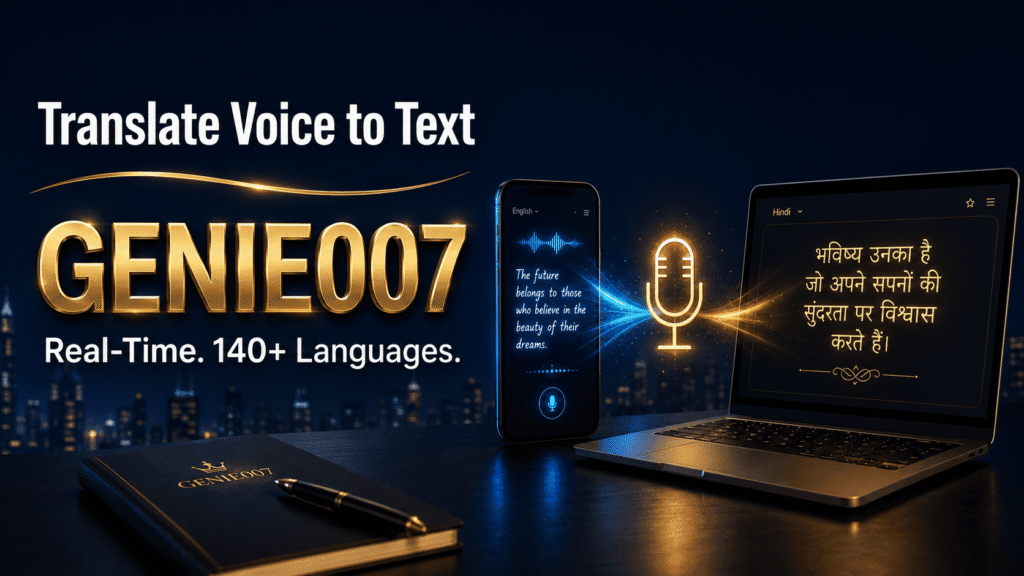
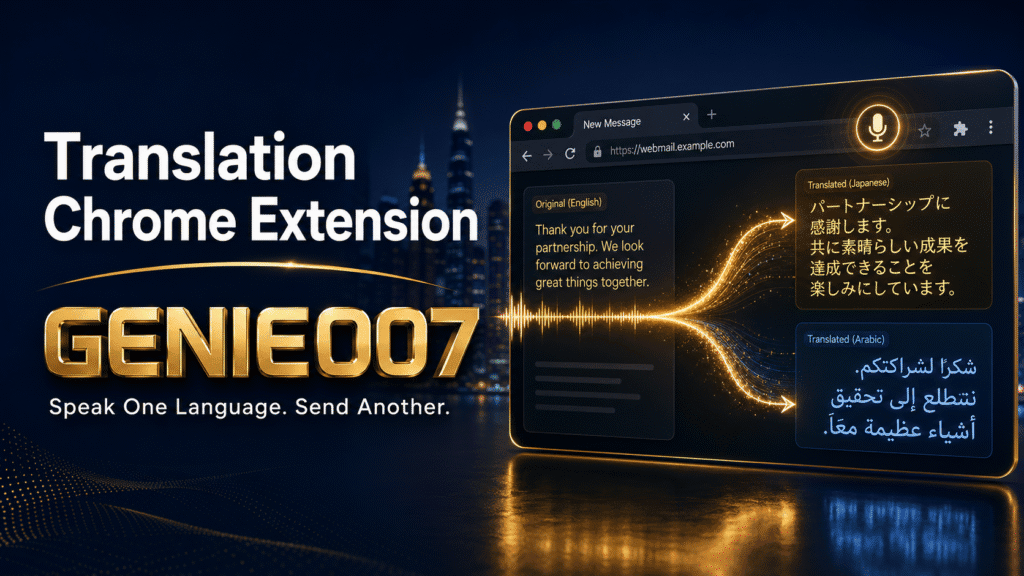
The Genie 007 browser extension approaches translation from the opposite end. Instead of translating what others wrote, it translates what you say — live, across 140+ languages, directly into whatever text field you have open. Speak in the language you think in; polished text appears in the language your reader needs, inside Gmail, Slack, LinkedIn, WhatsApp Web, Intercom or Google Docs, with no translator tab and no copy-paste.
It works in two modes. Voice Typing is straight cross-language dictation: speak Spanish, watch punctuated, correctly formatted English appear, with no “comma, period” commands. Genie Mode goes further using think-to-text — you state the intent, not the sentences. Say “tell the supplier the deadline moves to March, apologise once, keep it formal German” and a complete, natively phrased German email appears, matched to the platform you are writing in.
Three workflows show the range. An account manager in Kraków answers UK clients all day: she speaks Polish, Gmail receives professional British English, and her replies stopped reading like translations. A product manager in London posts sprint updates to the Berlin team by speaking English and sending German to Slack. A support agent reads incoming tickets with Chrome’s free built-in translator, then dictates answers in Spanish that land in the customer’s language — the reading half free, the writing half by voice. For meetings and calls, the same engine powers real-time voice-to-text translation, and there is a companion live voice translation app for conversations away from the desk.
Privacy is the quiet differentiator. Processing happens in the browser, so your commands and content never touch Genie 007’s servers — your boss can’t see it, and neither can they. Add AES-256 encryption, no audio storage and zero data retention, and it is GDPR compliant and HIPAA ready — which matters when the ticket you are answering contains client data. Plans start at £5 a month for Mini, £10 for Ultra and £8 per user for Teams, with a free trial and no credit card required. And although this article is about Chrome, Genie 007 is not only a Chrome extension: the same assistant ships as Windows, Mac and mobile apps, so your dictation style and languages follow you off the browser.
Accuracy and Nuance: What to Check Before You Trust Any Tool
Machine translation fails politely — the words are right, the register is wrong. German separates Sie from du, Spanish usted from tú, and defaulting to the wrong one can make a careful email read as either stiff or presumptuous. DeepL’s paid tier adds a formality toggle; with Genie 007 you simply say “formal” or “friendly” as part of the instruction, because tone is part of the intent, and you can refine the draft by voice before sending.
Proper nouns, product names and technical terms deserve a second look in any tool, since engines sometimes “translate” things that should stay untouched. A practical habit for the first couple of weeks: run important messages through a back-translation (ImTranslator does this in one click) or ask a native-speaking colleague to sanity-check a few sends. And an honest note — if all you ever do is read foreign-language pages, Chrome’s free built-in translator is enough. Pay for a translation Chrome extension only when you need to write or speak across languages, because that is where the free options stop.
Translation Chrome Extension FAQ
What is the best translation extension for Chrome?
For reading foreign-language pages, Chrome’s built-in translator plus the free Google Translate extension cover most needs at no cost. DeepL is the strongest choice for polished written translations in European languages, ImTranslator for multi-engine flexibility, and Genie 007 for speaking or writing across 140+ languages by voice in real time.
How do I translate a page in Chrome in real time?
Right-click anywhere on the page and choose “Translate to” your language — Chrome translates the full page in place, no extension required. To translate every page in that language automatically as you browse, select “Always translate” in the pop-up that appears in the address bar.
Can the Google Translate extension translate a whole page?
No — Google removed full-page translation from the extension because Chrome now does it natively. The extension is for selected text: highlight a passage, click the icon that appears, and a pop-up shows the translation with audio pronunciation. For whole pages, use Chrome’s built-in right-click translate instead.
Can Chrome translate voice in real time?
Not on its own for arbitrary audio. Google Meet provides translated captions, with the widest language support tied to paid Workspace editions, and caption extensions add translated subtitles to other meeting tools. To go the other way — speaking in one language and sending text in another — you need a voice assistant extension such as Genie 007.
Try Genie 007 Free
If your working day crosses languages, stop shuttling drafts between translator tabs. Speak in the language you think in and Genie 007 delivers polished replies in the language your reader needs — across 140+ languages, right inside Chrome.
Download Genie 007 free — available for Windows, Mac, mobile and as a browser extension. No credit card required.
Written by Bill Kiani, founder of Genie 007.