Small business owners juggle more roles than most people realise. Between writing proposals, answering emails, updating project tools, and managing a small team, every minute spent on repetitive typing is a minute not spent on work that actually moves the business forward. An AI voice assistant for small business changes that equation: instead of typing everything you need, you speak it, and the tool handles the rest.
This guide covers what to look for in a voice AI tool built for real small business use, which features matter most day-to-day, and how Genie 007’s team plan gives small businesses a single, affordable voice solution for every person on the payroll.
Whether you are a sole trader who dictates proposals on the go or a small team that needs shared credits and a central admin portal, the same fundamentals apply.
What Small Businesses Actually Need From a Voice AI Tool
Not every voice AI tool is designed with small business in mind. Consumer voice tools work well for individuals but struggle when you need to share usage across a team, manage access, or control what each person can see and do. Enterprise-grade platforms often solve those problems but come with enterprise-grade price tags and months of onboarding that no five-person business can absorb.
Small businesses sit in the middle, and their needs are specific:
- Broad app coverage. Your team works across Gmail, Outlook, Slack, LinkedIn, and whatever CRM or project management tool your business relies on. A voice assistant that only works in one or two of those apps does not save enough time to justify the switch.
- Easy setup with no IT team required. Installation and onboarding should take minutes, not weeks, with no professional services contract needed.
- Team-level management. You need to add a new starter, remove someone who has left, and check which team members are actively using the tool — all without raising a support ticket.
- Affordable, predictable pricing. Per-user billing with a clear monthly total works. Hidden usage tiers and enterprise-quote processes do not.
- Privacy you can rely on. UK small businesses handling client data fall under GDPR. A voice tool that sends audio recordings to external servers is a compliance risk from day one.
These are not wish-list items. They are the baseline requirements that separate a genuinely useful business tool from a consumer experiment that creates more admin than it saves.
Five Features to Look for in a Small Business Voice AI Assistant
1. Works Across the Apps Your Team Uses Every Day
The return on investment from voice AI compounds when it works everywhere your team actually operates. Look for a tool that runs inside your browser and covers Gmail, Outlook, Notion, Slack, LinkedIn, Google Docs, and any web-based platform your business relies on — without requiring separate integrations to be set up for each one.
If your team works primarily on Windows, desktop-level support adds a further layer of coverage. A dedicated Windows app that operates system-wide means voice input works in any application, not just the browser.
2. Voice-to-Action, Not Just Voice-to-Text
Basic dictation converts speech into text. That is useful, but the real time saving comes from a voice AI that understands context and produces structured, ready-to-use output. Describe a client email, and it writes a polished draft. Describe a Slack update, and it formats it appropriately for that channel. This is the difference between a transcription tool and an AI assistant that actually thinks alongside you.
This capability is sometimes called think-to-text: you speak your thought as it forms, and the assistant structures it into something ready to send or share.
3. Team Administration Built In
A single-user licence does not scale to a team. You need a way to invite new members, remove leavers promptly, track actual usage per person, and share a credit allowance so that light users and heavy users balance each other — all through a self-serve portal rather than a sales team conversation.
4. GDPR and HIPAA Compliance as Standard
Any voice tool used in a UK or European small business must be GDPR compliant. If your business handles health or financial data, HIPAA readiness adds another layer of protection. The safest approach is a tool that processes audio locally, so voice recordings never travel across the internet or sit on a third-party server where your data could be at risk.
5. Transparent Per-Seat Pricing
Hidden usage caps and opaque enterprise quotes make reliable budgeting impossible. Look for a monthly per-user price you can find on the website, the ability to add or remove seats yourself, and no minimum contract that locks you in as your business changes shape.
How Genie 007 Fits the Small Business Workflow
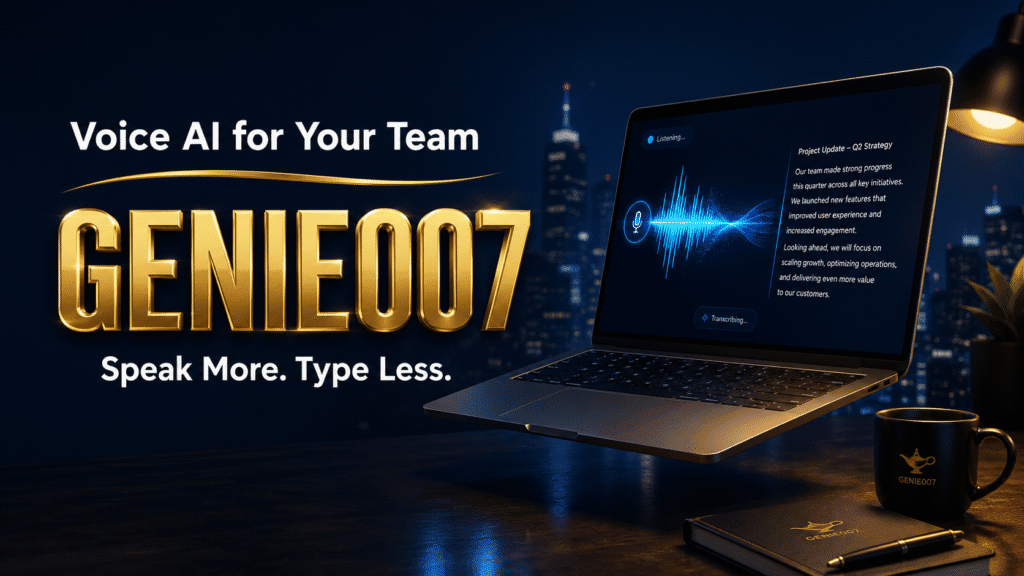
Genie 007 is an AI voice assistant that works across every website and application, turning spoken input into structured, ready-to-use content. It runs as a Chrome browser extension and as a desktop app, covering the browser-first and Windows-native workflows that most small businesses depend on.
App coverage. Genie 007 works inside Gmail, Outlook, Slack, LinkedIn, Notion, Google Docs, HubSpot, Salesforce, and any web application accessible through the browser. If your team relies on Outlook for client correspondence, the Outlook voice typing workflow is built in and requires no extra configuration.
Genie Mode for structured output. Rather than simply transcribing what you say, Genie Mode interprets your intent and produces fully formatted output. You speak a rough thought; the assistant delivers a complete email draft, a properly formatted Slack message, or a Notion document with appropriate headers already in place. It handles the structure so you can focus on the idea.
Privacy by design. Genie 007 does not send audio to external servers. Your words are processed without ever leaving your device at the input stage. This satisfies GDPR requirements by default and is HIPAA ready, making it suitable for small businesses in sectors such as healthcare, legal services, and financial advice — areas where data handling must be watertight.
Language support. Genie 007 supports over 140 languages. If your team includes non-native English speakers or serves clients across different markets, multilingual voice input is already available without any additional configuration.
Free to start. There is no credit card required to begin. Individual team members can trial Genie 007 at no cost before the business commits to a team subscription. Visit the Genie 007 pricing page for a full breakdown of what is included at each level.
For businesses that grow beyond a small team, Genie 007 also scales naturally into enterprise voice typing deployments — with the same privacy-first architecture and broad app coverage at larger headcounts.
The Genie 007 Teams Plan: What You Get for £8 Per User
The Genie 007 Teams plan is designed for businesses managing multiple users without a dedicated IT team. Here is exactly what is included:
- £8 per user per month, with a minimum of three seats — a starting total of £24 per month
- 2,000 credits per user per month, pooled across the whole team — heavy users draw from the same shared pool as lighter ones, so credits are never wasted in quieter months
- Admin portal at genie007-teams.web.app — invite or remove members, review per-member usage analytics, and adjust seat numbers, all self-serve with no support ticket required
- One bill for the whole team rather than separate invoices per user
- GDPR compliant and HIPAA ready as standard, with no additional compliance add-ons to configure
The minimum of three seats means a typical small business or a department within a growing company can adopt the tool without any enterprise procurement process. Add a seat when you hire; remove one when someone leaves. Both take seconds through the admin portal.
If your team is still evaluating basic speech-to-text options before making a decision, a useful starting point is this guide to free speech to text on Windows 11, which covers the built-in Windows options and explains clearly when it makes sense to move to a dedicated voice AI tool.
Frequently Asked Questions
What is an AI voice assistant for small business?
An AI voice assistant for small business is a software tool that lets you and your team speak to create written content, draft messages, or trigger actions in the apps you use daily — rather than typing everything manually. Unlike consumer smart speakers designed for home use, a business voice AI integrates directly into the tools your team already works in: Gmail, Slack, Outlook, CRM platforms, and project management tools. The best tools go beyond simple transcription and produce fully formatted, context-aware output that is ready to send or share immediately.
How can a voice AI assistant help a small business save time?
Research from Stanford University has found that speech is approximately three times faster than typing. For a small business owner spending two to three hours a day composing emails, updating project notes, and writing client messages, a voice AI tool can recover more than 90 minutes per day. Across a team of five people, that represents the equivalent of two full working days recovered each week — without adding to your headcount.
Is voice AI affordable for a small business?
Yes. The Genie 007 Teams plan starts at £24 per month for three users — £8 per person per month. That is less than most businesses spend on a single software subscription. The pooled credit model means you are not paying for unused capacity, and a free trial is available with no credit card required. For a full picture of costs at every level, the pricing page sets everything out clearly.
Is a voice AI assistant safe to use with sensitive business data?
It depends on how the tool handles your audio. Voice AI tools that send recordings to cloud servers for processing introduce data privacy risks that are incompatible with GDPR. Genie 007 processes audio without sending it to external servers — your spoken input, including any sensitive client or financial information, is handled locally on your device. This is GDPR compliant by design and HIPAA ready for businesses operating in regulated sectors.
Does voice AI require technical expertise to set up for a small team?
No. Genie 007 installs in under a minute as a Chrome browser extension and requires no technical configuration from your team members. New starters can begin voice typing in Gmail, Slack, or Outlook immediately after installation. The admin portal at genie007-teams.web.app lets the account owner manage seats and review usage without any IT knowledge or outside help.
Ready to Give Your Small Business Team a Voice AI Edge?
Genie 007 for Teams starts at just £24 per month for three users, with a shared credit pool, per-member usage analytics, and GDPR-compliant audio processing built in as standard. No credit card is required to get started.
Written by Bill Kiani, founder of Genie 007.