LinkedIn is where deals get made, careers get built, and reputations get established. But for most professionals, it’s also where time goes to die. You have something worth saying. You know it would get traction. But you open the post composer, stare at it, write three sentences, delete them all, and close the tab.
What if posting on LinkedIn required zero typing? What if you could speak a thought out loud and have it turned into a polished, professional post — ready to publish — in the time it took you to say it?
That’s not a future-state vision. It’s happening right now with voice-to-action AI. Here’s exactly how it works and why it’s changing how serious professionals build their LinkedIn presence.
Why Most Professionals Barely Post on LinkedIn
The friction is almost entirely in the doing. The ideas aren’t the problem. Every professional has insights, opinions, lessons learned, and wins worth sharing. The problem is the gap between having a thought and turning it into something publishable.
Typical LinkedIn post process without voice AI:
- Open LinkedIn (distraction risk #1)
- Click “Start a post” (distraction risk #2 — now you’re scrolling)
- Try to remember what you wanted to say
- Type a draft, realise it sounds weird
- Rewrite it three times
- Second-guess whether to post it
- Delete it and promise yourself you’ll try again tomorrow
Typical LinkedIn post process with voice AI:
- Think of something worth sharing
- Say it out loud in 30 seconds
- Post is written, formatted, and ready
- Read it once, hit publish
The difference isn’t just time. It’s consistency. When posting takes 30 seconds instead of 30 minutes, you actually do it regularly — and that’s what builds a following.
How to Post on LinkedIn Without Typing (Step by Step)
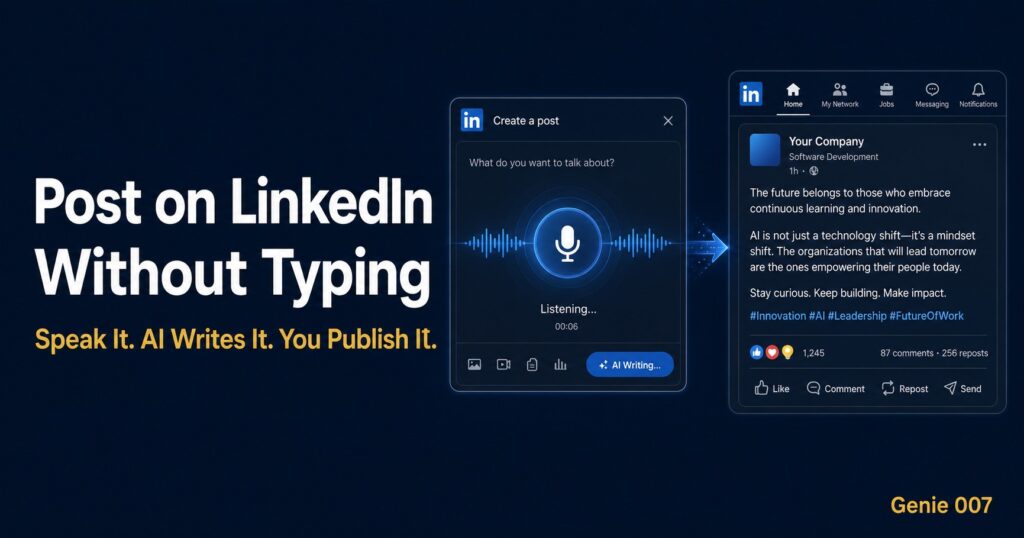
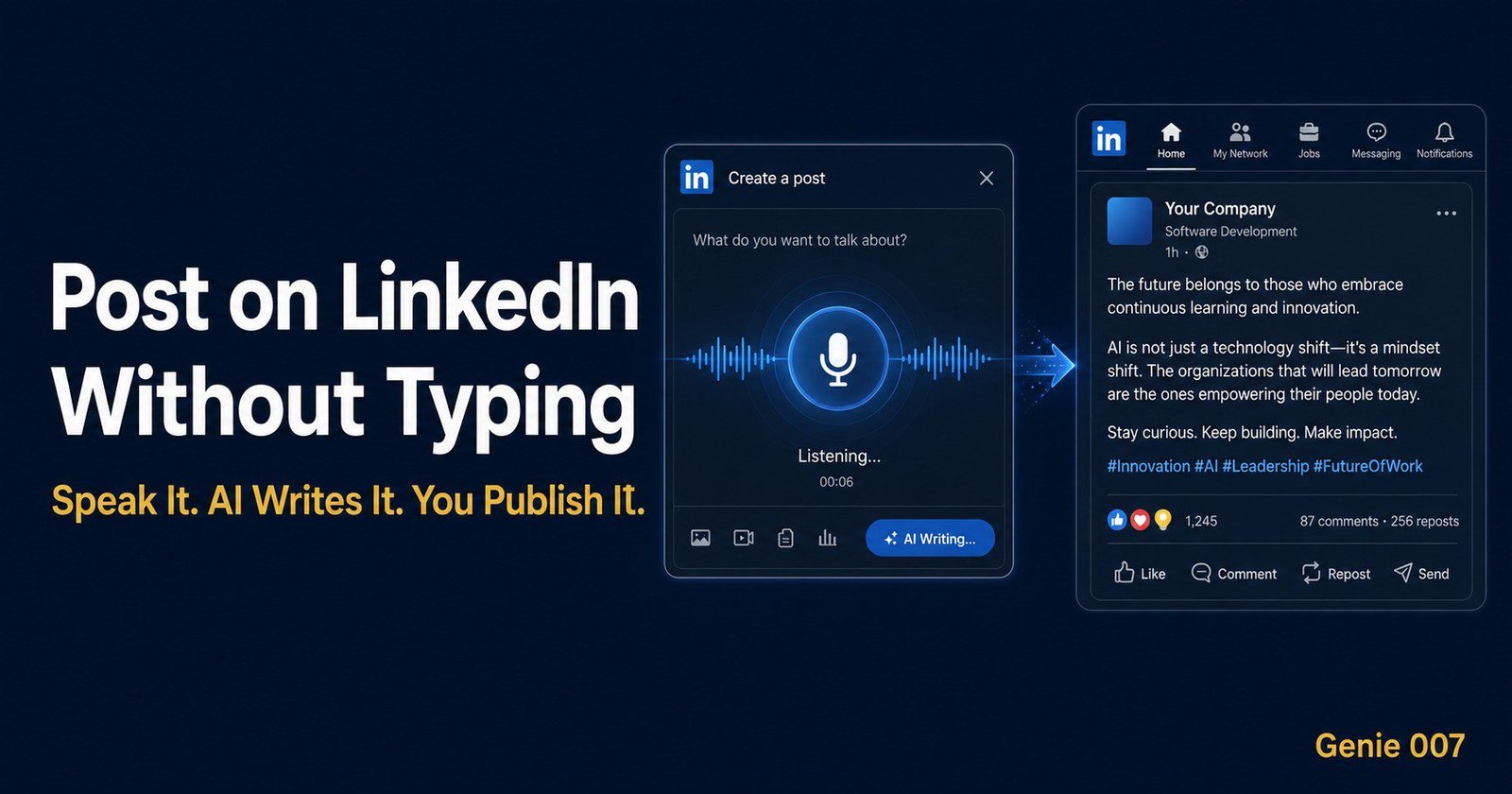
With Genie 007 installed as your Chrome extension, posting on LinkedIn without typing takes about 45 seconds from idea to published post. Here’s exactly how it works:
Step 1: Activate Genie 007
Whether you’re on LinkedIn, reading an article, finishing a meeting, or just had an idea — activate Genie 007 with your keyboard shortcut or the browser extension icon.
Step 2: Speak your idea
Just talk. Don’t think about formatting or hooks or hashtags. Just say what’s on your mind as naturally as you’d tell a colleague. For example: “I had a meeting today where the client said something that really made me think about how we position value. They said they don’t care about features — they care about not losing sleep. That’s the whole product strategy right there.”
Step 3: Genie Mode does the work
Genie 007’s AI engine — Genie Mode — takes your raw spoken thought and transforms it into a LinkedIn-optimised post. It adds a hook, structures the idea, formats it for readability on mobile, and can add a relevant call-to-action or question to drive engagement. In the time it takes you to breathe, there’s a professional post ready.
Step 4: It navigates to LinkedIn and pastes the post
Genie 007 opens LinkedIn in your browser, navigates to the post composer, and deposits your drafted post ready for you to review. You don’t need to copy anything. You don’t need to open any tabs. The whole pipeline happens automatically.
Step 5: Read it once, hit publish
You read the post, make any tweaks you want (or none at all), and click publish. That’s it. Total time: under a minute. You’re done.
Types of LinkedIn Posts You Can Create by Voice
Voice-to-action AI isn’t just for casual observations. Here are the types of posts professionals create most often using Genie 007:
Lesson learned posts
“Talk me through what happened in that client call today and turn it into a LinkedIn post about what I learned about pricing conversations.” The AI pulls the key insight and frames it as a valuable takeaway for your audience.
Reaction posts
Reading an article? Say “Turn this article into a LinkedIn post with my take on the main point.” Genie 007 reads the page you’re on, extracts the core argument, and frames your opinion around it — making you look informed and engaged without spending an hour writing.
Achievement posts
Closed a deal? Hit a milestone? Got a great piece of feedback? “Write a LinkedIn post about closing our biggest contract this quarter without sounding braggy — focus on what the team did.” The AI calibrates the tone exactly to what you asked for.
Thought leadership posts
Have a strong opinion about your industry? Say it out loud for 60 seconds. Genie 007 turns a stream of consciousness into a structured, compelling argument that positions you as someone worth following.
The Compound Effect of Posting More Consistently
The professionals seeing the biggest LinkedIn growth aren’t necessarily the best writers. They’re the most consistent ones. Consistency is the algorithm’s currency — and it’s also what builds trust with your audience over time.
The trap that most professionals fall into is confusing quality with effort. They think a good post requires a significant investment of time. It doesn’t. The best LinkedIn posts are direct, personal, and concise. Three qualities that are much easier to achieve when you’re talking naturally than when you’re agonising over a blank text box.
When posting takes 45 seconds, you start posting every time you have a thought worth sharing. Not once a month when you’ve convinced yourself to sit down and write. Five posts a week instead of two a month isn’t just quantitatively better — the compounding effect on reach, visibility, and inbound opportunities is exponential.
Beyond LinkedIn: Voice-to-Action Across Your Whole Digital Presence
Once you’ve got the habit of voice-to-posting on LinkedIn, the same capability extends across everything you publish online. Genie 007 works the same way for:
- Twitter/X — quick takes and threads by voice
- Email newsletters — draft entire issues by speaking
- Blog posts — outline and first draft by voice, refine later
- Slack messages — long team updates without typing a word
- Community forums — thoughtful replies without the friction of typing them out
It’s the same principle everywhere: your voice is faster than your fingers, and AI bridges the gap between raw speech and polished, publishable content.
Frequently Asked Questions
Can I really post on LinkedIn without typing at all?
Yes. With Genie 007, you speak your idea, the AI writes the post, navigates to LinkedIn, and deposits it in the composer — ready for you to review and publish with one click. The only interaction is reading what it wrote before hitting publish.
Will voice-generated LinkedIn posts sound natural?
Yes — because they start with you actually speaking naturally. The AI preserves your voice and perspective while adding LinkedIn-appropriate structure. The result sounds like you, but organised. Most users find their voice posts perform better than their typed ones because they’re more authentic.
Does Genie 007 post automatically or do I still approve?
You always have the final say. Genie 007 drafts and deposits the post in LinkedIn’s composer, but you review it before hitting publish. You can edit, tweak, or start over — but most users publish with minimal or no changes.
How is this different from AI writing tools like Jasper or Copy.ai?
Those tools generate content from text prompts in a separate interface — you still have to open LinkedIn, copy the output, and paste it. Genie 007 is a browser-native voice-to-action tool that completes the entire workflow including the LinkedIn navigation and posting — all from your voice command, without switching interfaces.
Start Posting on LinkedIn Without Touching a Keyboard
You’ve got ideas. Your audience wants to hear them. The only thing between you and a consistent LinkedIn presence is the friction of typing. Remove that friction, and everything changes.
Genie 007 removes that friction completely. Your voice becomes your keyboard, your LinkedIn presence, and your professional brand — all without sitting down to write.
👉 Try Genie 007 free — post on LinkedIn by voice, today
Table of Contents
Post on LinkedIn Without Typing: A Step-by-Step Guide
LinkedIn is just the start. These guides show you how to eliminate typing from every part of your professional life:
- 🏆 Best AI Productivity Tools 2026 — The full list of AI tools saving professionals hours every week.
- 📧 How to Never Type an Email Again — Extend your voice-first workflow from LinkedIn to your entire inbox.
- 🗣️ Voice Commands That Actually Do Things — The complete guide to voice commands for sales, marketing, and management.
- 🔌 Best AI Chrome Extension 2026 — The browser extension that handles LinkedIn, email, and more — all by voice.
LinkedIn Productivity Research & Resources
- LinkedIn: Best Practices for Content Creators — Official LinkedIn guidance on building reach through consistent posting.
- LinkedIn Marketing Solutions: Post Frequency Guide — Data on how posting frequency affects reach and engagement.
- Sprout Social: LinkedIn Statistics 2024 — Key data on LinkedIn usage, engagement rates, and content performance.
More From the Voice-to-Action Series
- Replace Your Keyboard With Your Voice — Complete guide to going keyboard-free in 2026
- AI That Works in Gmail, Slack and Notion — Native AI that operates inside your apps
- How to Use AI at Work Without Being a Prompt Engineer — Getting results without prompt expertise
- Talk to Your Computer and Actually Get Things Done — Why voice-to-action works in 2026